

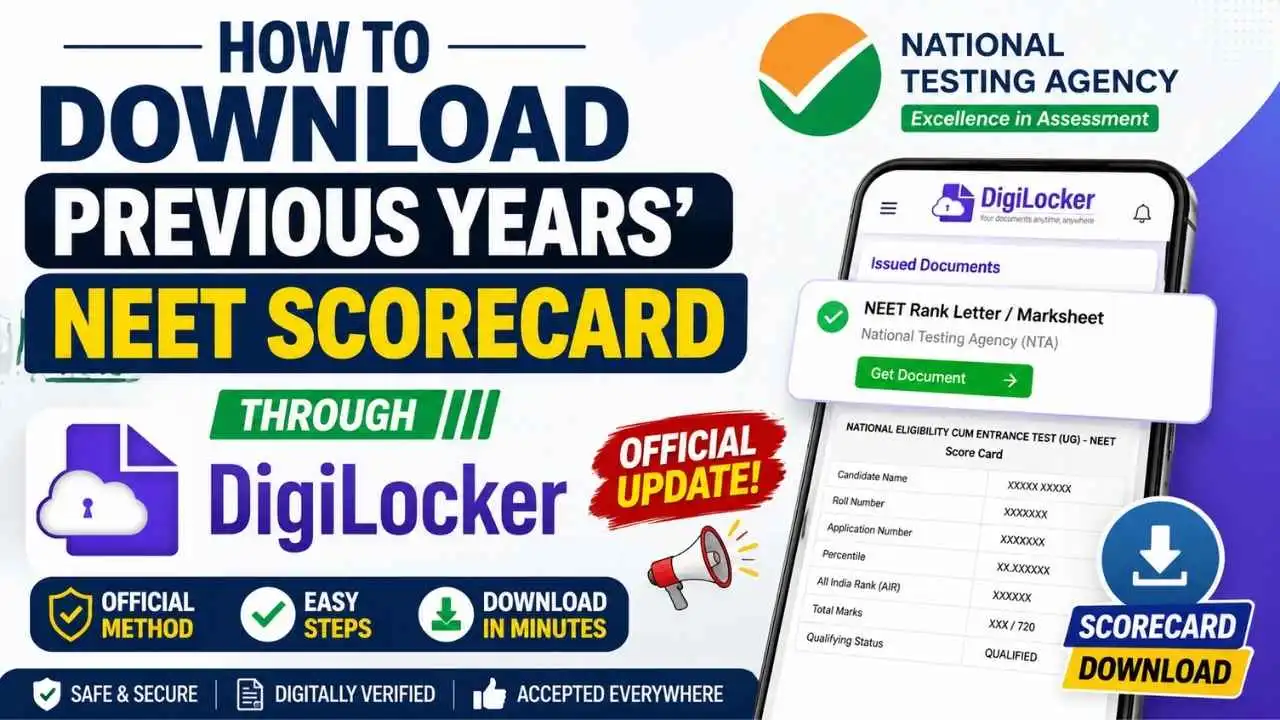
How to Download Previous Years' NEET Scorecard Through DigiLocker is one of the most searched topics among NEET aspirants who have misplaced or no longer have access to their previous examination scorecards. The National Testing Agency (NTA) is nearing the completion of its DigiLocker integration, which will enable candidates to retrieve their previous years' NEET documents securely after successful authentication.
Once the facility becomes available, candidates will be able to log in to DigiLocker, search for their NEET document, verify their details, and download their digitally verified scorecard or rank letter without contacting NTA separately. This article explains the complete process based only on the officially reported workflow.
DigiLocker| Particular | Details |
|---|---|
| Service | Previous Years' NEET Scorecard Download |
| Conducting Authority | National Testing Agency (NTA) |
| Platform | DigiLocker |
| Document Type | NEET Rank Letter / NEET Marksheet |
| Current Status | NTA-DigiLocker integration is nearing completion. |
| Authentication | Identity verification before document retrieval |
Before downloading your previous years' NEET document, keep the following information ready.
- DigiLocker account
- Aadhaar-linked identity (where applicable)
- NEET Roll Number
- NEET Examination Year
- Registered mobile number for OTP verification
Note: The candidate's name will be automatically fetched from the Aadhaar-linked DigiLocker profile during the document retrieval process.
Step 1: Login to DigiLocker
Visit the DigiLocker website or mobile application and sign in using your registered credentials. Complete OTP verification if prompted.
Step 2: Go to search
Click on Seach, after successful login.
Step 3: Search for "NEET Rank Letter" or "NEET Marksheet"
Search for either of the following documents:
- NEET Rank Letter
- NEET Marksheet
You will then be required to enter or verify the following information:
| Field | Status |
|---|---|
| Name | Automatically fetched from Aadhaar-linked DigiLocker profile |
| NEET Roll Number | Enter manually |
| Examination Year | Select the appropriate year |
After confirming the details, click on the Get Document button.
Step 4: Authentication
DigiLocker will verify the submitted information with the National Testing Agency database.
Step 5: Download the Document
After successful verification, the requested NEET Rank Letter or NEET Marksheet will be issued to your DigiLocker account. You can then open the document and download the PDF for future use.
According to the available workflow, candidates can search for the following documents:
- NEET Rank Letter
- NEET Marksheet
After downloading your NEET Rank Letter or Marksheet, you may need to combine multiple PDF files before uploading them during counselling or admission processes. You can use Neucademy's free PDF Merger Tool to merge multiple PDF documents into a single file quickly.
Is the DigiLocker facility available now?
No. The integration is nearing completion and will be made available after the official launch by NTA.
Which documents can be searched?
Candidates can search for NEET Rank Letter or NEET Marksheet.
Will the candidate's name be entered manually?
No. The name will automatically appear from the Aadhaar-linked DigiLocker profile.
Which details need to be entered manually?
Candidates need to provide their NEET Roll Number and select the Examination Year before clicking the Get Document button.
How to Download Previous Years' NEET Scorecard Through DigiLocker will become much simpler once the NTA officially launches its DigiLocker integration. Candidates will only need to log in to DigiLocker, search for NEET Rank Letter or NEET Marksheet, verify their details, click the Get Document button, and download the digitally verified document for future academic or counselling purposes.